



At Deliverability Summit 2026 in Barcelona, Syed Alam of Postmastery walked through a dataset where roughly 18% of addresses suppressed under a standard hard/soft model were still valid recipients. They had been removed because a 5xx code looked terminal, or because a 4xx kept repeating. Both assumptions were wrong, and both were costing senders revenue every send.
This is the case for retiring the binary bounce model. The replacement Alam proposed, and which several operators at deliverabilitysummit.com echoed, is a three-category system: hard, soft, and what Alam calls “just-a-bounce”. The distinction matters because suppression decisions based on response codes alone shrink your addressable list faster than churn ever will.
Why the Hard/Soft Binary Breaks Down
The legacy logic is simple: 5xx means permanent, suppress; 4xx means temporary, retry. Mailbox providers stopped honoring that contract years ago. A 5xx can mean “policy rejection at this exact moment” and a 4xx can mean “this address has been gone for two years, we just don’t return 550 for it”.
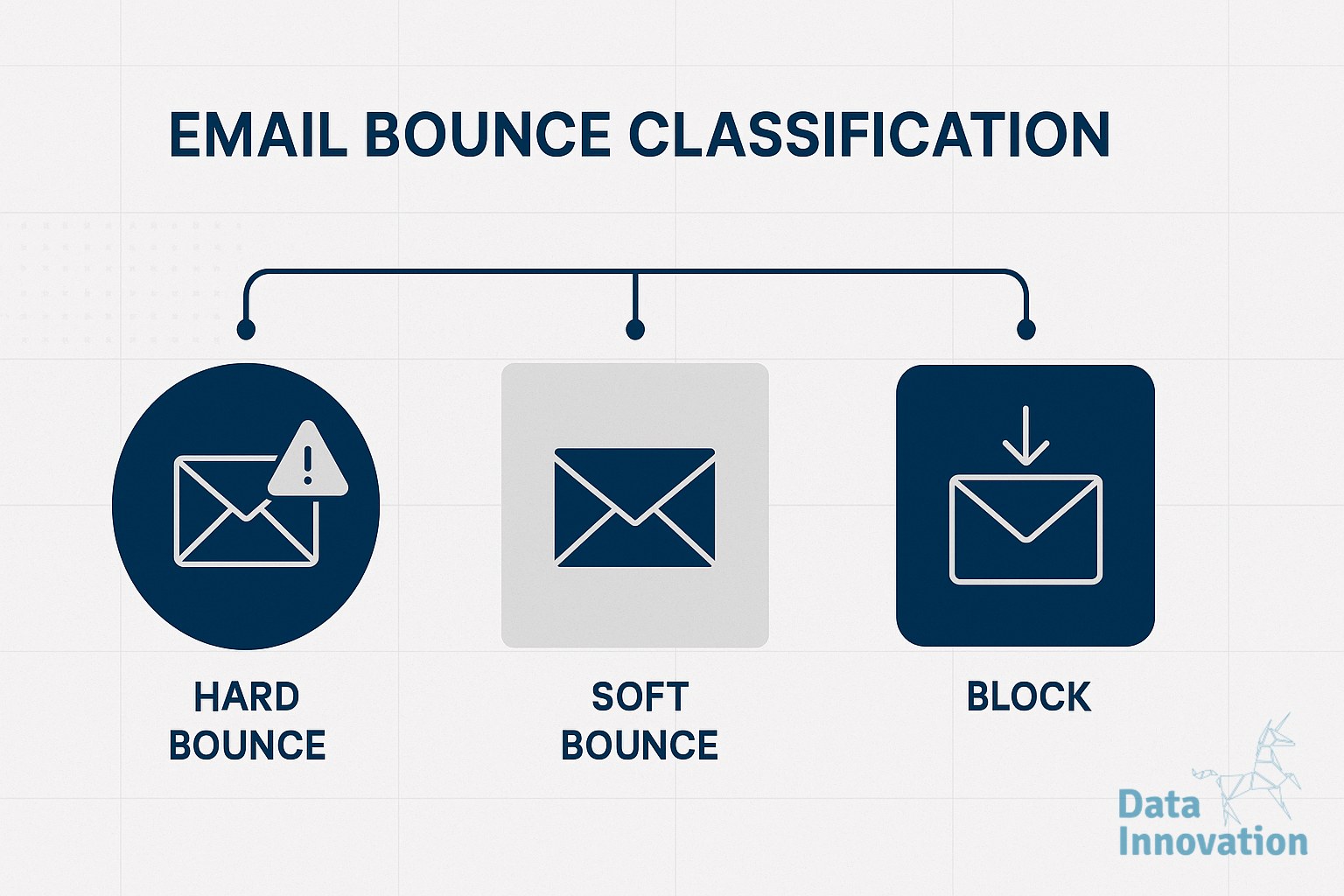
Alam’s three-category email bounce classification reframes the decision around recipient state, not SMTP code:
- Category 1 – Hard: “User unknown”, “no such mailbox”, “address rejected”. The recipient does not exist. Suppress immediately on the first occurrence.
- Category 2 – Soft: “Mailbox full”, “over quota”, “temporarily deferred”. The recipient exists but cannot receive right now. Retry with exponential backoff, suppress only after sustained failure (typically 7-14 days).
- Category 3 – Just-a-bounce: “Policy rejection”, “too many connections”, “rate limited”, “content rejected”, “IP reputation”. The bounce is about you, the sender, or the connection. The recipient is fine. Do not suppress.
The third category is where most ESPs and in-house systems leak subscribers. A policy rejection from a corporate gateway during a brief reputation dip is not a signal that the recipient address is bad. Suppressing on it means losing a legitimate contact you spent acquisition budget to obtain.
Action this week: pull your last 30 days of bounce logs and tag every bounce reason string against the three categories. If your current automation suppresses on Category 3 reasons, that is your first fix.
Building the Classification Layer
Mapping SMTP responses to categories is not trivial because providers do not standardize their reason strings. Gmail, Microsoft, Seznam, Yahoo, and corporate Exchange servers all phrase the same condition differently, and enhanced status codes (the 5.x.x and 4.x.x triplets) are inconsistently populated.
A working classifier needs three inputs:
- The SMTP response code (4xx or 5xx).
- The enhanced status code where present.
- The free-text reason string, parsed against a maintained dictionary.
Postmastery and other deliverability vendors maintain dictionaries that map thousands of reason-string variants to bounce categories. If you are doing this in-house, start with the top 50 reason strings in your own logs, which will typically cover more than 90% of volume. The long tail can be added incrementally.
One nuance Alam highlighted: the same reason string can shift category over time. “Message rejected for policy reasons” was Category 3 in 2022. By 2026, when sent repeatedly to the same address with no successful delivery in between, several mailbox providers use it as a soft signal that the address is dormant. Re-tagging your dictionary every quarter is reasonable maintenance.
Action this week: export your top 50 bounce reason strings, classify them manually, and store the mapping as a versioned configuration file rather than hardcoding it.
Absolute Complaint Volume Beats Complaint Rate
The bounce conversation connects directly to a second monitoring failure Chris Adams of Bird presented in Barcelona. Adams described a 22-account affiliate ring that sent 2.8 billion messages per month while keeping complaint rates below 0.03%, well under the 0.1% threshold most senders treat as their ceiling.
The rate looked fine. The absolute number did not. That ring generated 78,000 complaints per day, which is what mailbox providers actually weighted when they took action.
The implication for anyone managing a list: a low complaint rate on a large send is not safety. If you double your volume and your rate stays flat, you have doubled the number of people clicking “this is spam” on your domain. Postmasters at scale see absolute counts. They build reputation models on absolute counts. Watching only the rate hides the trajectory until it is too late to correct.
Pair this with the bounce work above. Senders who fail to remove Category 1 hard bounces inflate their volume with addresses that cannot complain but also cannot engage, while their absolute complaint count from the remaining real recipients keeps growing in line with sends.
Action this week: build a daily dashboard that tracks absolute complaint count per sending domain, alongside the rate. Set alert thresholds on the absolute number, not just the percentage.
Implementation Checklist
Putting the three-category model and absolute volume monitoring into production typically takes a sprint or two. The order below reflects what produced fastest deliverability improvements among the operators who shared data at DS2026:
- Week 1: Export 30-90 days of bounce logs. Identify top 50 reason strings by volume. Manually classify each into Hard, Soft, or Just-a-bounce.
- Week 2: Update suppression logic. Suppress immediately on Category 1. Move Category 2 to a retry queue with a 7-14 day failure window. Remove suppression triggers on Category 3 entirely.
- Week 3: Audit your CRM for addresses suppressed under the old binary model in the last 12 months. Reclassify them. Addresses suppressed solely on Category 3 reasons can be reactivated, ideally behind a re-engagement gate.
- Week 4: Add absolute complaint volume to your daily monitoring. Set thresholds per sending domain based on current baseline plus 25%, not on industry rate benchmarks.
- Ongoing: Re-tag your reason string dictionary every quarter. Review reactivated addresses for engagement; if they engage, they were never bad. If they do not, they age out through normal sunset policy.
Pull your bounce logs today and count how many of your last 1,000 suppressions were Category 3. That number is your floor estimate of recoverable list value, and it is sitting in a database table waiting for you to ask the question.
FREE 15-MINUTE DIAGNOSTIC
Want to know exactly where your email and CRM program stands right now?
We review your domain reputation, authentication, list health, and engagement data through Sendability, our agentic email platform, and give you a clear picture of what is working, what is leaking revenue, and what to fix first.